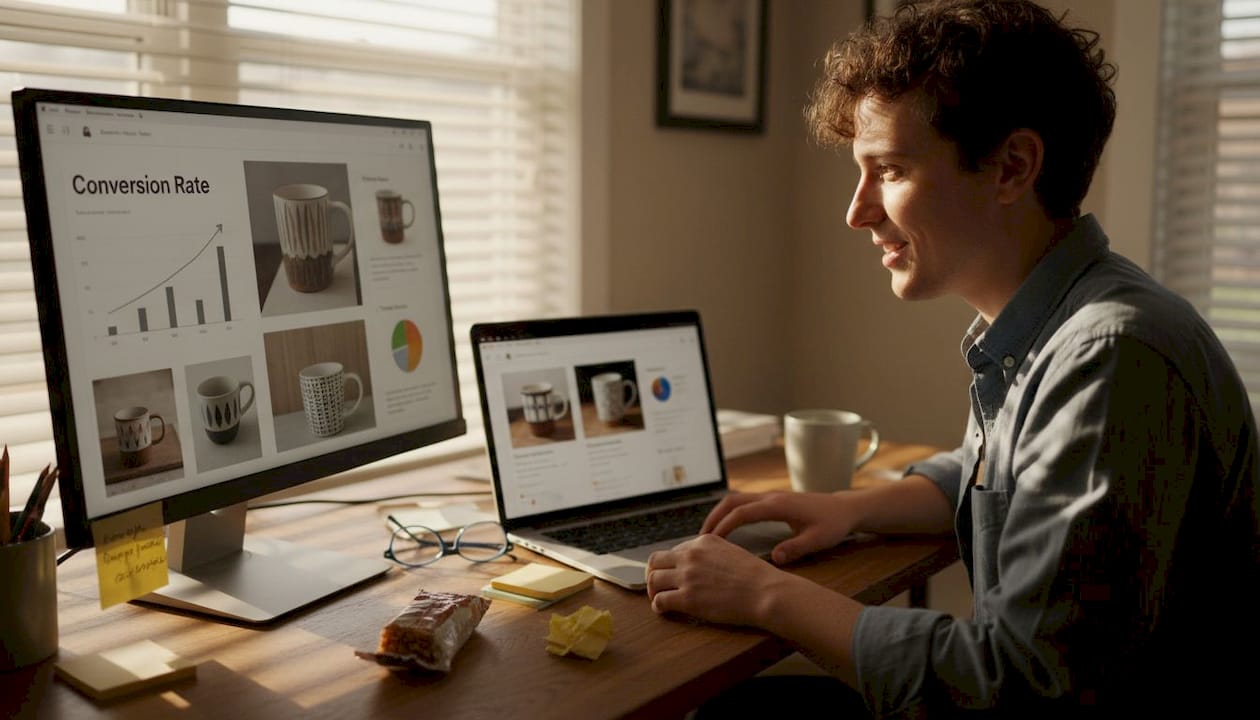
Best A/B testing tools for Shopify: maximize conversions
TL;DR:
- Shopify lacks native A/B testing, requiring third-party tools for optimization.
- Choose testing apps based on traffic, technical skills, and store growth stage.
- Building a consistent testing habit is more crucial than selecting a high-end tool.
Shopify powers over 4 million stores worldwide, yet it offers no native A/B testing. That means every conversion you're leaving on the table stays there until you take action with a third-party tool. For e-commerce marketers and growth hackers, this isn't just a minor inconvenience. It's a real competitive gap. The good news: the ecosystem of Shopify-compatible A/B testing apps has matured fast. This article walks you through exactly how to evaluate your options, which tools stand out in 2026, and how to match the right app to your store's size, budget, and growth stage so you can stop guessing and start optimizing.
Table of Contents
- How to choose an A/B testing tool for Shopify
- Top A/B testing apps for Shopify: Features, pricing, and use cases
- Side-by-side comparison: Which A/B testing app fits your Shopify store?
- Situational recommendations: Which Shopify A/B testing app should you choose?
- Hard truths about A/B testing on Shopify most overlook
- Take your Shopify optimization further
- Frequently asked questions
Key Takeaways
| Point | Details |
|---|---|
| Shopify lacks A/B testing | You need third-party apps to run controlled experiments on your Shopify store. |
| Match tool to traffic | Pick lightweight solutions if you have under 50,000 monthly visitors, premium apps for more. |
| No-code tools empower non-tech teams | If you want marketing to lead tests without development help, choose no-code options. |
| Costs vary widely | Shopify A/B testing solutions range from $29 to $199 or more per month depending on features. |
How to choose an A/B testing tool for Shopify
Once you realize Shopify lacks built-in solutions, it's smart to know exactly how to evaluate third-party options. Not every tool fits every store. The wrong choice wastes money and slows your team down. Here's what to look at before you commit.
- Traffic volume. Your monthly visitor count matters more than most people think. Lighter testing apps suit stores with under 50,000 monthly visitors, while full-featured platforms make more sense at higher traffic levels where statistical significance arrives faster.
- Technical setup requirements. Some tools demand developer involvement for every test. Others give your marketing team a visual editor to launch experiments in minutes. Know your team's technical comfort level before you buy.
- Experiment types you need. Are you testing pricing and offers? Theme layouts? Product page copy? Different tools specialize in different experiment categories, so align the app's strengths with your actual testing roadmap.
- Budget. Most quality apps range from $29 to $199 or more per month. Spending more doesn't automatically mean better results for your store size.
- Integration depth. Your A/B testing tool should connect cleanly with Shopify and your analytics stack. Broken data pipelines kill the value of any experiment.
If you're new to running experiments on your store, brushing up on Shopify A/B testing basics will help you ask better questions when evaluating tools. And if you want to hit the ground running, reviewing proven A/B testing strategies gives you a practical framework to build from.
Pro Tip: Start by listing your top three testing priorities before shopping for tools. A clear testing agenda makes it much easier to eliminate apps that don't fit your actual workflow.
Top A/B testing apps for Shopify: Features, pricing, and use cases
With your evaluation criteria in hand, let's explore the leading Shopify A/B testing solution providers. Each tool has a distinct personality and a specific type of store it serves best.
Here's a quick breakdown of the major players in 2026:
- Intelligems: Built specifically for pricing and profit optimization. If your primary goal is testing price points, shipping offers, or discount structures, this is a strong fit.
- Convert: A server-side testing platform with robust audience targeting. Best for technically advanced teams who need flexibility and precision.
- VWO (Visual Website Optimizer): Offers heatmaps, session recordings, and advanced analytics alongside A/B testing. Higher price point, but richer insight for stores ready to invest.
- Shoplift: A no-code theme testing tool that lets marketers run experiments without touching code. Strong pick for teams without dedicated developer support.
- Neat A/B: Simple, affordable, and easy to set up. Great for stores that want to run basic split tests without a steep learning curve.
- Elevate AB and Optimizely: Both lean toward larger budgets and enterprise-level needs. Powerful, but often more than a growing SMB requires.
| Tool | Best for | Starting price |
|---|---|---|
| Intelligems | Pricing and offer tests | Custom pricing |
| Convert | Technical, server-side testing | $99/mo |
| VWO | Advanced analytics and heatmaps | $199/mo |
| Shoplift | No-code theme testing | $74/mo |
| Neat A/B | Simple, budget-friendly tests | $29/mo |
| Optimizely | Enterprise-level experimentation | Custom pricing |
For a deeper breakdown of how these tools stack up, the tool expert comparison covers technical specs in detail. If your team needs to run experiments without developer help, the guide to no-code A/B test tools is worth bookmarking.
Pro Tip: Don't get distracted by feature lists. Pick one tool, run five tests, and evaluate results before deciding whether to upgrade or switch.
Side-by-side comparison: Which A/B testing app fits your Shopify store?
After exploring individual strengths, a head-to-head comparison will clarify your best fit. The table below cuts through the noise and maps each tool to the store profile it serves best.
| Tool | Ease of use | Code required | Ideal store size | Monthly cost |
|---|---|---|---|---|
| Intelligems | Medium | No | Mid to large | Custom |
| Convert | Advanced | Yes | Large/technical | $99+ |
| VWO | Medium | Optional | Mid to large | $199+ |
| Shoplift | Easy | No | Small to mid | $74+ |
| Neat A/B | Very easy | No | Small | $29+ |
| Optimizely | Advanced | Yes | Enterprise | Custom |
The feature and pricing breakdown across these tools reveals one surprising truth: the most expensive option rarely delivers the best ROI for stores under 100,000 monthly visitors. VWO at $199 per month offers deep analytics, but most small stores won't use 60% of those features.
Statistic to know: Stores running consistent A/B tests see conversion rate improvements of 20 to 30% over time, but only when they choose tools that match their actual workflow and traffic levels.
For practical guidance on running experiments on your product pages, the guide to split testing product pages shows you exactly what variables move the needle. And if you want the full picture on growing your store through testing, the ecommerce optimization strategies guide ties it all together.
Situational recommendations: Which Shopify A/B testing app should you choose?
Armed with comparison data, here's how to quickly match the right app to your circumstance. Analysis paralysis is real, and it kills momentum. Use these scenarios to make a confident call.
- You're a small store with under 50,000 monthly visitors and a tight budget. Go with Neat A/B. It's affordable, easy to set up, and gives you everything you need to start learning from your traffic. Lightweight tools for under 50k visitors outperform bloated platforms at this stage.
- You're a growing store with a marketing team but no dedicated developer. Shoplift is your best bet. Its no-code editor means your marketers can launch tests the same day without filing a ticket.
- You're scaling fast and need pricing optimization. Intelligems was built for this. It handles complex pricing and offer tests in ways that general-purpose tools don't.
- You have a technical team and need server-side precision. Convert gives you the flexibility to run experiments that don't flicker or slow down your pages.
- You need heatmaps and session data alongside testing. VWO bundles these into one platform, which saves you from stitching together multiple tools.
Pro Tip: Match your tool to your current growth stage, not your aspirational one. You can always upgrade as your store scales.
"The best A/B testing tool is the one your team will actually use consistently. A simple tool used weekly beats a powerful tool used quarterly every single time."
If your team wants to run tests without leaning on developers at every step, the guide to A/B testing without development is a practical resource for building that independence.
Hard truths about A/B testing on Shopify most overlook
Here's the uncomfortable reality most tool comparison articles won't tell you: the app you choose matters far less than the habit you build around testing.
We see it constantly. Stores spend weeks evaluating tools, debate pricing tiers, and finally install a feature-rich platform. Then they run two tests in six months and wonder why their conversion rate hasn't moved. The tool wasn't the problem. The lack of a consistent testing rhythm was.
Real wins in A/B testing come from frequency and iteration, not from having access to heatmaps or multivariate capabilities you never use. A store running one focused test per week with a simple tool will outperform a store running one test per quarter with an enterprise platform. Every time.

For SMBs especially, the goal is to build a culture where testing is a normal part of the week, not a quarterly project. That means choosing tools with low friction, fast setup, and clear reporting. If your team needs a developer to launch every test, that's a bottleneck that will quietly kill your testing program.
For test idea inspiration that your team can act on quickly, start with high-impact, low-effort experiments. Build momentum before you build complexity.
Take your Shopify optimization further
When you're ready to level up your Shopify results, here's where to get support and next steps.
If you want a tool that removes friction from A/B testing entirely, Stellar for Shopify growth is built for exactly that. Stellar's 5.4KB script keeps your store fast, its no-code visual editor lets your team launch tests without developer help, and real-time analytics mean you're never waiting days to see what's working.

For stores at any stage, the complete eCommerce optimization guide covers the full picture from traffic to conversion to retention. Whether you're running your first split test or scaling a high-volume store, Stellar gives you the speed and simplicity to test more, learn faster, and grow with confidence.
Frequently asked questions
Why doesn't Shopify have built-in A/B testing?
Shopify lacks native A/B testing because the platform focuses on core commerce infrastructure, leaving experimentation tools to the app ecosystem. Third-party apps fill this gap with varying levels of sophistication.
What's the difference between server-side and no-code A/B testing tools?
Server-side tools like Convert and Optimizely run experiments at the server level for greater precision and flexibility, while no-code tools like Shoplift let non-developers launch tests directly through a visual interface. Your team's technical capacity should drive this choice.
How much does A/B testing typically cost on Shopify?
Most quality apps fall in the $29 to $199 per month range, with Neat A/B starting at $29, Shoplift at $74, Convert at $99, and VWO at $199. Enterprise tools like Optimizely use custom pricing.
Which Shopify A/B testing tool is best for small stores?
Neat A/B is best for small stores with under 50,000 monthly visitors because it's affordable, simple to set up, and delivers clear results without overwhelming your team with unused features.
Recommended
Published: 4/8/2026