
How to Track Website Goals for Precise Conversion Insights
Every Marketing Manager knows the challenge of turning website visitors into real results. Clear, specific goals shape the difference between data that informs and numbers that confuse. Defining conversion rate goals lets you track user actions that matter, from purchases to sign-ups. This step-by-step guide delivers actionable strategies for setting up precise conversion tracking, ensuring you link website activity directly to your most important business outcomes.
Table of Contents
- Step 1: Define Key Website Goals for Conversion Tracking
- Step 2: Set Up Goal Tracking in Stellar's Visual Editor
- Step 3: Customize Dynamic Goal Triggers and Parameters
- Step 4: Integrate Real-Time Analytics for Actionable Insights
- Step 5: Verify and Test Goal Tracking Accuracy
Quick Summary
| Key Insight | Explanation |
|---|---|
| 1. Define Specific Goals | Identify key user actions that align with your business objectives for effective conversion tracking. |
| 2. Use Stellar's Visual Editor | Set up goal tracking easily with Stellar's user-friendly visual editor, simplifying the analytics process. |
| 3. Customize Goal Tracking | Create dynamic triggers and parameters to capture meaningful user interactions that impact your business goals. |
| 4. Implement Real-Time Analytics | Integrate live data streams for immediate insights, enabling proactive decision-making based on user behavior. |
| 5. Regularly Verify Tracking Accuracy | Consistently test and monitor goal tracking to ensure data accuracy, enhancing the reliability of your insights. |
Step 1: Define key website goals for conversion tracking
Defining precise website goals is the foundational step for meaningful conversion tracking. Your goals represent the specific user actions that directly contribute to your business objectives, transforming website traffic into tangible results.
To establish effective website goals, start by identifying the most critical user actions that align with your business strategy. These typically include:
- Product purchases
- Email newsletter sign-ups
- Contact form submissions
- Free trial registrations
- Content download completions
- Resource page engagement
When selecting goals, focus on conversion rate optimization strategies that reflect meaningful user interactions. Each goal should connect directly to a specific business outcome, whether that's generating leads, driving sales, or increasing user engagement.

Consider your website's primary purpose and map goals that represent progressive user commitment. Start with low-barrier actions like newsletter sign-ups and progressively track higher-value conversions such as product purchases.
Here's a quick overview of common website goals and their strategic impact:
| Goal Type | Example Outcome | Business Value |
|---|---|---|
| Product Purchase | Completed transaction | Direct revenue generation |
| Newsletter Signup | New email subscriber | Lead nurturing potential |
| Content Download | Resource access granted | Thought leadership growth |
| Free Trial Registration | Trial user onboarded | Potential customer pipeline |
| Contact Form Submission | New inquiry captured | Sales or support opportunity |
Precise goal definition transforms website metrics from abstract numbers into actionable business intelligence.
Pro tip: Start by tracking 3-5 core conversion goals that represent your most critical business metrics to avoid overwhelming your analytics process.
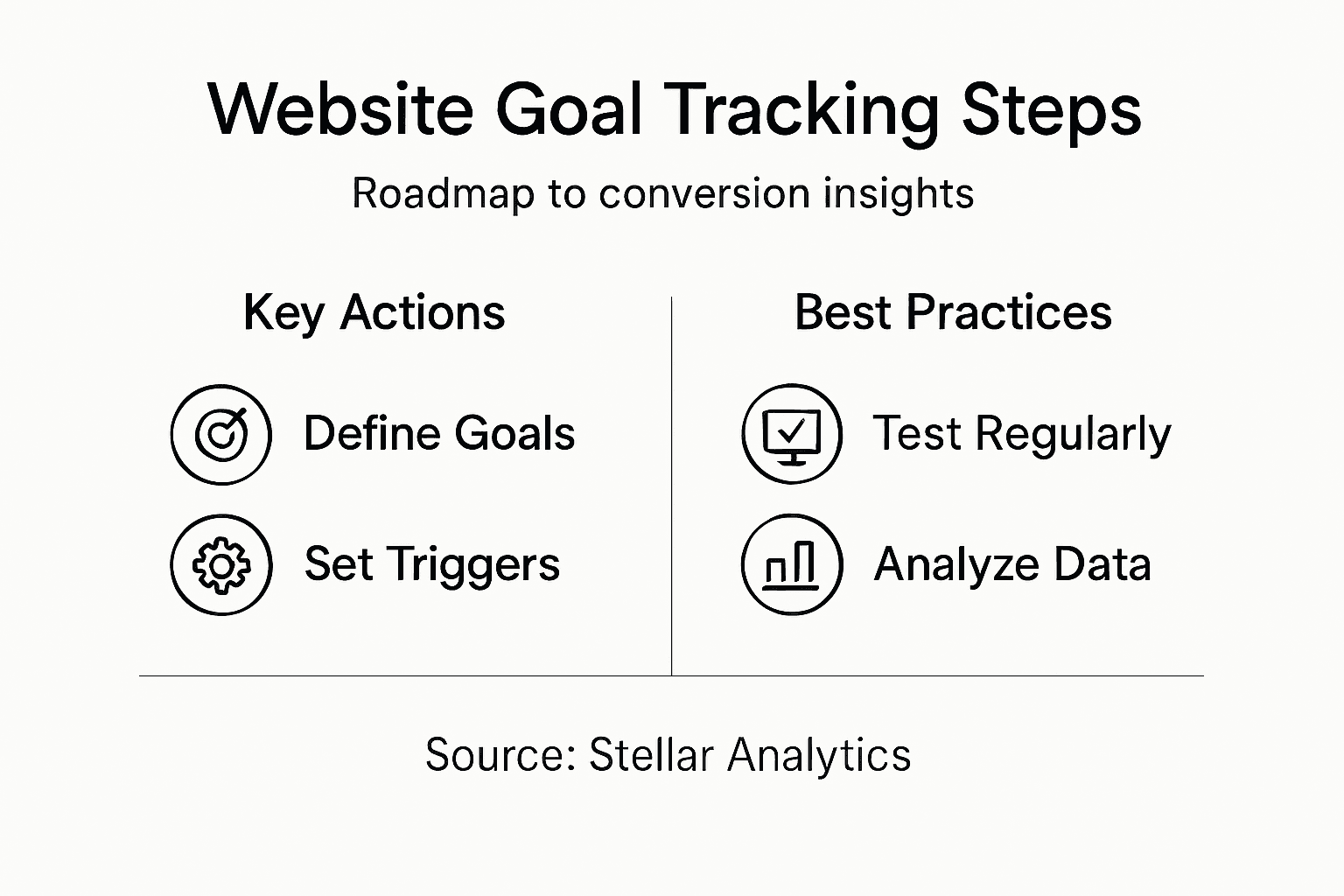
Step 2: Set up goal tracking in Stellar's visual editor
Setting up goal tracking in Stellar's visual editor transforms complex analytics into a straightforward, user-friendly process. This step allows you to configure precise conversion tracking without requiring extensive technical knowledge.
To begin, navigate to the visual editor dashboard and locate the goal tracking section. Here, you'll want to:
- Click the "Add New Goal" button
- Select your desired conversion type
- Define specific trigger conditions
- Set value parameters for each goal
While developer tools and SDKs offer extensive customization options, Stellar's interface simplifies the process for marketers and growth professionals. Each goal you create represents a specific user action that contributes to your business objectives.
The visual editor enables granular tracking by allowing you to set multiple parameters. For instance, you can track newsletter sign-ups by specifying exact form completion criteria or monitor product purchases based on specific transaction values.
Goal tracking transforms raw website data into actionable insights that drive strategic decision-making.
Pro tip: Start by tracking 2-3 high-impact goals to avoid overwhelming your analytics system and ensure meaningful data collection.
Step 3: Customize dynamic goal triggers and parameters
Customizing dynamic goal triggers transforms your conversion tracking from generic measurement to precise, intelligent insights. By creating nuanced parameters, you can capture the most meaningful user interactions that directly impact your business objectives.
To implement advanced goal triggers, focus on these key customization strategies:
- Time-based triggers for specific user engagement windows
- Behavior sequence tracking across multiple page interactions
- Value-driven parameters that assign weighted importance
- Conditional logic for complex conversion scenarios
Goal-conditioned tracking methods enable you to design sophisticated triggers that respond dynamically to user behavior. For example, you might create a trigger that only counts a conversion when a user completes multiple specific actions within a defined timeframe, such as reading a blog post and then downloading a related resource.
Understanding user motivation is crucial when designing these triggers. The visual editor allows you to set granular conditions that capture genuine user intent, moving beyond simple page view tracking to understanding deeper engagement patterns.
Intelligent goal triggers transform raw data into strategic insights that reveal your true conversion dynamics.
Pro tip: Test and refine your goal triggers incrementally, starting with simple conditions and gradually increasing complexity to maintain tracking accuracy.
Step 4: Integrate real-time analytics for actionable insights
Integrating real-time analytics transforms your conversion tracking from static reporting to dynamic, responsive intelligence. By implementing live data streams, you can capture and interpret user interactions the moment they happen, enabling immediate strategic decisions.
To effectively integrate real-time analytics, consider these critical implementation strategies:
- Streaming data capture for instantaneous insights
- Automated trigger mechanisms for immediate responses
- Advanced visualization dashboards
- Machine learning pattern recognition
Real-time analytics technologies enable rapid data processing that turns user interactions into immediate strategic opportunities. This means tracking not just what happened, but understanding user behavior patterns as they unfold, allowing for micro-moment optimization of your conversion funnel.
The key is creating a responsive system that interprets data beyond simple metrics. Your analytics should provide contextual intelligence that reveals deeper user motivations, helping you anticipate and respond to potential conversion barriers in real time.
Below is a comparison of static versus real-time analytics for conversion tracking:
| Analytics Type | Data Timeliness | Decision-Making Impact |
|---|---|---|
| Static Reporting | Delayed insights | Reactive adjustments only |
| Real-Time Analysis | Immediate insights | Proactive strategy changes |
Real-time analytics bridges the gap between data collection and meaningful business action.
Pro tip: Configure analytics alerts for unexpected behavior patterns to catch potential conversion blockers before they significantly impact your performance.
Step 5: Verify and test goal tracking accuracy
Verifying goal tracking accuracy is crucial for ensuring your conversion insights reflect true user behavior. By implementing systematic testing methods, you can validate that your tracking setup captures data precisely and reliably.
To comprehensively test goal tracking accuracy, use these strategic verification techniques:
- Compare multiple data sources
- Run simultaneous tracking tests
- Implement manual conversion checks
- Use synthetic user scenarios
- Cross-reference tracking events
Goal tracking verification practices demonstrate that regular monitoring significantly improves measurement reliability. This means creating controlled test scenarios that simulate different user interactions to validate your tracking configuration.
Focus on identifying potential tracking discrepancies by establishing baseline performance metrics and comparing them against actual user interactions. Pay special attention to edge cases and complex conversion paths that might introduce measurement errors.
Precise goal tracking verification transforms data collection from guesswork to strategic intelligence.
Pro tip: Schedule quarterly comprehensive tracking audits to proactively identify and resolve any potential data collection inconsistencies.
Elevate Your Conversion Tracking with Stellar’s Advanced Tools
Mastering precise conversion insights requires more than just setting goals. The real challenge lies in accurately defining, customizing, and verifying these goals to capture genuine user intent without overwhelming your analytics system. The article highlights critical pain points like creating effective goal triggers, integrating real-time analytics, and testing tracking accuracy to unlock meaningful data without complexity.
Stellar empowers marketers and growth hackers to overcome these hurdles through its effortless Advanced Goal Tracking and no-code Visual Editor interface. Our platform offers the fastest, lightest script on the market to ensure your website performance stays optimal while delivering powerful real-time analytics based on your unique goals. Use Stellar to confidently set up dynamic triggers, monitor conversions as they happen, and verify tracking precision without developer resources.
Ready to transform your website goals into actionable growth?
 Discover how Stellar’s user-friendly A/B Testing Tool and real-time data can bring clarity to your conversion strategy. Visit https://gostellar.app today to start your free plan and begin optimizing smarter, faster, and with complete confidence.
Frequently Asked Questions
What are the key website goals I should track for conversion insights?
Defining key website goals like product purchases, newsletter sign-ups, and contact form submissions is essential for effective conversion tracking. Start by identifying 3-5 crucial actions that align with your business objectives to ensure focused tracking and meaningful insights.
How can I set up goal tracking efficiently?
You can set up goal tracking by using your website's visual editor interface. Begin by navigating to the goal tracking section, click "Add New Goal," select the conversion type, and define specific trigger conditions for your goals.
What strategies can I use to customize dynamic goal triggers?
To customize dynamic goal triggers, focus on implementing time-based triggers and behavior sequences that capture user interactions more precisely. Create triggers that respond to a series of specific actions to gain deeper insights into user engagement.
How do I integrate real-time analytics into my goal tracking?
Integrating real-time analytics involves implementing streaming data capture and automated trigger mechanisms for instant insights. Work toward setting up a real-time dashboard that allows you to respond quickly to user behavior as it happens.
Why is verifying goal tracking accuracy important, and how can I do it?
Verifying goal tracking accuracy is crucial for ensuring that your collected data reflects true user behavior. Conduct systematic tests by comparing multiple data sources and running controlled test scenarios to identify any discrepancies in your tracking setup.
How often should I audit my goal tracking system?
Schedule quarterly audits for your goal tracking system to proactively check for data collection inconsistencies. This regular monitoring helps maintain tracking accuracy and ensures you're capturing the most relevant user interactions.
Recommended
Published: 2/15/2026