
Reducing Website Script Weight: Boosting Performance
Nearly half of American websites lose visitors due to slow page loads caused by heavy script weight. For marketing professionals and growth hackers aiming to improve website efficiency, excess JavaScript is more than a technical headache. It drains bandwidth, frustrates users, and even impacts search rankings. Discover practical strategies to trim unnecessary code and choose lightweight A/B testing tools, helping your business deliver faster experiences without the hassle.
Table of Contents
- What Is Website Script Weight And Why It Matters
- Types Of Scripts And Their Performance Impact
- Key Strategies For Script Weight Reduction
- Avoiding Common Mistakes When Optimizing Scripts
- Balancing Functionality And Site Performance
Key Takeaways
| Point | Details |
|---|---|
| Understanding Script Weight | Script weight significantly impacts page load times and user experience; therefore, optimizing JavaScript is essential for performance. |
| Client-side vs. Server-side Scripts | Client-side scripts affect immediate user interaction and load times, while server-side scripts influence the speed of content delivery to the browser. |
| Strategic Optimization Techniques | Implementing strategies such as tree-shaking, lazy loading, and code-splitting can effectively reduce script weight and enhance website performance. |
| Regular Auditing is Essential | Continuous performance audits help identify redundant scripts and maintain an efficient, user-friendly website. |
What Is Website Script Weight and Why It Matters
Website script weight represents the total byte size of JavaScript code required to load and execute on a web page, directly impacting digital performance and user experience. When websites incorporate multiple scripts, they inadvertently create performance bottlenecks that slow down loading times and potentially frustrate visitors. Page weight measurements reveal critical insights into how script sizes affect overall site efficiency.
Understanding script weight is crucial because excessive JavaScript can dramatically increase page load times. Large scripts consume significant bandwidth, processing power, and memory across user devices, especially problematic for mobile users or individuals with slower internet connections. Web developers and marketers must recognize that every additional kilobyte of script can translate into slower rendering, higher bounce rates, and diminished search engine rankings.
The impact of script weight extends beyond mere speed metrics. Heavier scripts can significantly increase server costs, strain computational resources, and create accessibility barriers for users with limited technological infrastructure. Modern web performance optimization demands strategic script management, focusing on minimizing unnecessary code and prioritizing lean, efficient JavaScript implementations that deliver essential functionality without compromising user experience.
Pro Tip: Regularly audit your website scripts using browser developer tools to identify and remove unnecessary or redundant JavaScript code that might be inflating your page weight without providing substantial value.
Types of Scripts and Their Performance Impact
Web scripts are categorized into two primary types: client-side and server-side scripts, each playing a distinct role in website functionality and performance. Client-side scripts, primarily JavaScript, execute directly within the user's browser and control interactive elements, potentially impacting page load times and user experience. These scripts manage dynamic content, handle user interactions, and create responsive design elements that make websites feel more engaging and interactive.
Server-side scripts, in contrast, run on the web server before sending content to the browser. Languages like PHP, Python, and Ruby process data, generate dynamic page content, and handle backend logic without directly affecting frontend performance. While server-side scripts don't immediately influence page load speed, they play a critical role in determining how quickly initial content is generated and transmitted to the user's browser.

The performance implications of these script types can be significant. Client-side scripts, especially when poorly optimized or numerous, can create substantial rendering delays. Lightweight A/B testing platforms recognize this challenge and design solutions that minimize script weight, ensuring that interactive features don't compromise website speed. Web developers must strategically balance script functionality with performance, selecting lightweight libraries and implementing efficient coding practices to maintain optimal user experience.
Here's a comparison of client-side versus server-side scripts and their impact on website performance:
| Script Type | Execution Location | Key Impact on Performance | Typical Technologies |
|---|---|---|---|
| Client-side | User's browser | Directly affects load time | JavaScript |
| Server-side | Web server | Influences initial data delivery | PHP, Python, Ruby |
Pro Tip: Implement script lazy loading and use performance monitoring tools to identify and eliminate unnecessary or redundant JavaScript that might be secretly inflating your website's load times.
Key Strategies for Script Weight Reduction
Script weight reduction is a critical performance optimization technique that requires strategic approach and technical precision. Removing unused or non-critical JavaScript during initial page load can dramatically improve web performance metrics, particularly for users accessing websites through slower mobile networks or less powerful devices. Developers can achieve this through several targeted techniques that systematically eliminate unnecessary code and streamline script execution.
One primary strategy involves tree-shaking, a process that removes dead code from JavaScript bundles. Modern build tools like Webpack and Rollup automatically identify and eliminate unused code segments, significantly reducing script size. Effective script optimization also includes replacing large libraries with smaller alternatives or leveraging native CSS solutions, which can substantially decrease overall script weight without compromising functionality.
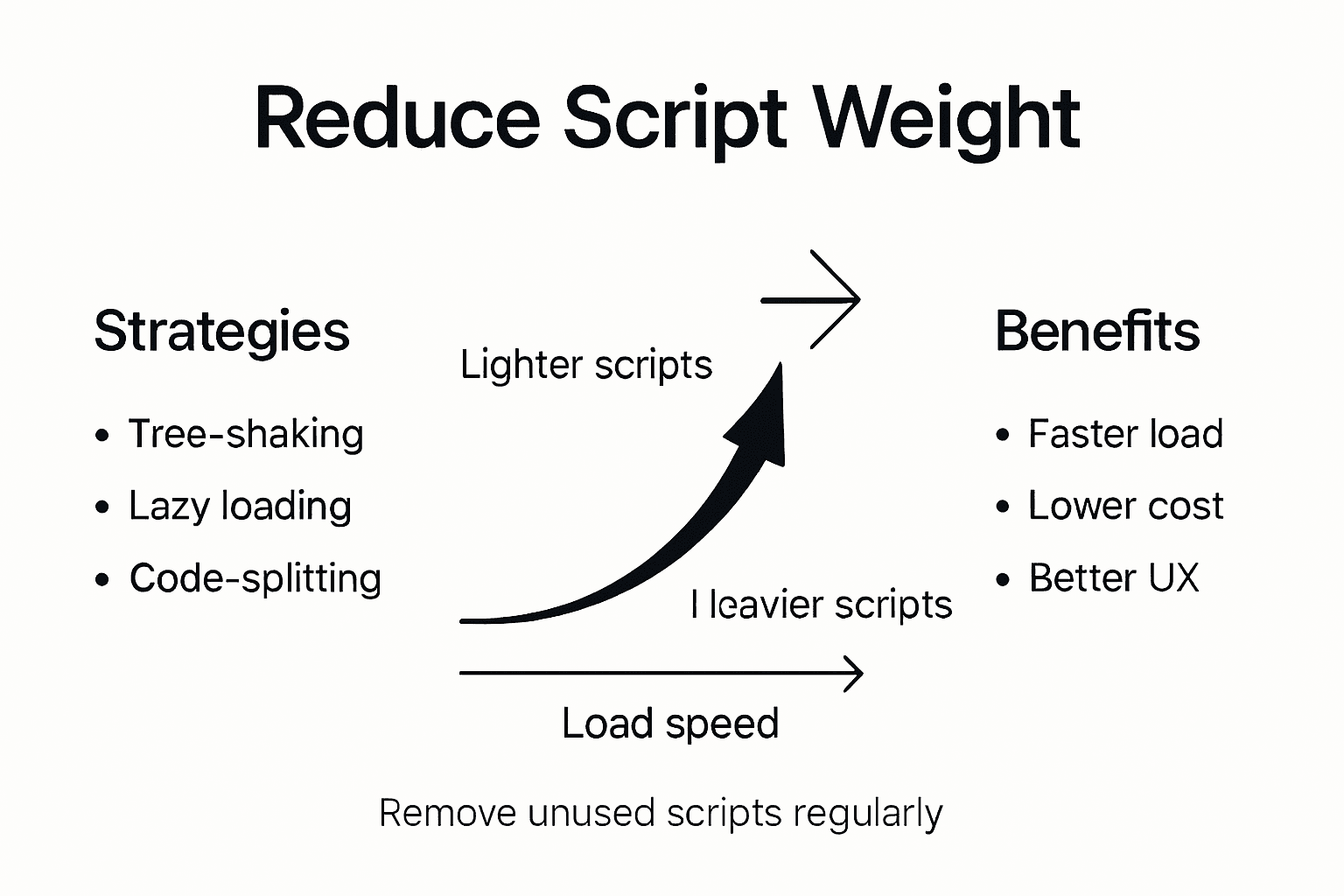
Conditional script loading and advanced execution strategies play a crucial role in performance optimization. Techniques like lazy loading ensure scripts load only when absolutely necessary, preventing unnecessary bandwidth consumption and improving initial page render times. Web developers can implement script deferral, use asynchronous loading techniques, and create intelligent loading hierarchies that prioritize critical rendering paths while postponing non-essential script execution.
Pro Tip: Regularly use browser developer tools and performance profiling utilities to identify and eliminate unnecessary JavaScript, treating script weight reduction as an ongoing optimization process rather than a one-time task.
Here is a summary of popular strategies for reducing website script weight and their core advantages:
| Strategy | Main Benefit | Common Tools Used |
|---|---|---|
| Tree-shaking | Eliminates unused code | Webpack, Rollup |
| Lazy loading | Delays non-critical scripts | Native JS, plugins |
| Code-splitting | Loads only required code | Webpack, Parcel |
| Library replacement | Reduces file size | Lighter libraries, CSS |
| Script deferral | Improves initial render | defer, async attributes |
Avoiding Common Mistakes When Optimizing Scripts
Script optimization requires precision and strategic thinking, as seemingly minor errors can dramatically impact website performance. Developers frequently make critical mistakes by loading all JavaScript upfront, which blocks main thread execution and increases page load times. Understanding these potential pitfalls is crucial for creating lightweight, efficient web applications that deliver seamless user experiences.
One prevalent mistake involves indiscriminate use of large JavaScript frameworks without proper modularization. Developers often import entire libraries when only a small fraction of their functionality is needed, unnecessarily increasing script weight. This approach creates bloated applications that consume excessive bandwidth and processing resources. Smart optimization means carefully selecting minimal dependencies, using tree-shaking techniques, and implementing code-splitting strategies that load only essential scripts for each specific page or user interaction.
Another common error is neglecting asynchronous loading and script prioritization. Synchronous script loading can create significant performance bottlenecks, preventing critical content from rendering quickly. Web developers should implement techniques like defer and async attributes, create intelligent loading hierarchies, and leverage browser caching mechanisms. Performance-first approaches emphasize loading lightweight, critical scripts first while deferring non-essential scripts until after initial page render.
Pro Tip: Regularly conduct performance audits using browser developer tools, treating script optimization as an ongoing process of incremental improvements rather than a one-time task.
Balancing Functionality and Site Performance
Site performance is a delicate ecosystem where functionality and speed must coexist harmoniously. Performance scoring tools help developers strategically evaluate the impact of each script and feature, ensuring rich user experiences without compromising loading efficiency. The key lies in understanding that every additional script carries a performance cost that must be carefully weighed against its potential user value.
Most web applications accumulate unnecessary scripts over time, gradually degrading site performance. Developers should adopt a ruthless approach to script evaluation, selecting lightweight alternatives that preserve core functionality while minimizing resource consumption. This might involve replacing complex libraries with more streamlined solutions, leveraging native browser APIs, and critically examining third-party scripts to determine their actual necessity.
Effective script management requires continuous monitoring and incremental optimization. Techniques like code-splitting, lazy loading, and conditional script execution allow developers to maintain rich interactive experiences while keeping page weight minimal. By implementing intelligent loading strategies that prioritize critical rendering paths, web applications can deliver responsive, feature-rich interfaces without sacrificing speed or user engagement.
Pro Tip: Conduct quarterly script audits to systematically remove outdated or redundant scripts, treating performance optimization as an ongoing process of refinement and improvement.
Optimize Your Website Performance with Lightweight A/B Testing
High website script weight can slow down your site, frustrate visitors, and reduce your conversion rates. If your goal is to minimize script bloat while maintaining effective A/B testing, the challenge is clear: deliver impactful experimentation without compromising speed or user experience. Excessive JavaScript can hurt load times and increase bounce rates, but you do not have to sacrifice functionality to achieve fast, responsive pages.

Unlock the power of streamlined testing with Stellar, the fastest A/B testing tool available that boasts an ultra-light 5.4KB script size designed to keep your website quick and smooth. Using Stellar’s no-code visual editor and advanced goal tracking, marketers and growth hackers at small to medium businesses can run experiments effortlessly without the typical performance tradeoffs. Experience dynamic keyword insertion and real-time analytics that empower smart decision-making while your site stays lean and speedy. Don’t let heavy scripts slow down your success. Start optimizing your experiments today by visiting https://gostellar.app to see how lightweight scripting transforms your digital performance.
Frequently Asked Questions
What is website script weight?
Website script weight refers to the total byte size of JavaScript code that must load and execute on a web page. It directly impacts website performance and user experience.
Why does reducing script weight matter for website performance?
Reducing script weight is crucial because large scripts can significantly slow down page load times, leading to higher bounce rates, increased server costs, and poorer search engine rankings.
What are some effective strategies to reduce script weight?
Effective strategies include using tree-shaking to remove unused code, lazy loading scripts, implementing code-splitting, and replacing large libraries with lighter alternatives.
How can I avoid common mistakes when optimizing scripts?
To avoid common mistakes, ensure to use asynchronous loading and prioritize critical scripts over non-essential ones. Regularly audit your scripts and selectively load only what is necessary for each page.
Published: 12/31/2025